Marketing permission: I give my consent to Nevercenter to be in touch with me via email using the information I have provided in this form for the purpose of news, updates and marketing.

What to expect: If you wish to withdraw your consent and stop hearing from us, simply click the unsubscribe link (at the bottom of every email we send) or contact us at info@nevercenter.com. We value and respect your personal data and privacy. To view our privacy policy, please visit nevercenter.com/privacy. By submitting this form, you agree that we may process your information in accordance with these terms.
Pixelmash 2026.0 is out now, including powerful new layer effect presets and multi-document support!
Pixel Art / October 28th, 2025


We’re excited to announce that Pixelmash 2026.0 is now available! This release supercharges your creative process with new customizable layer effects presets, the ability to work on multiple files at once, and adds far more powerful ways to turn any image into gorgeous pixel art in seconds.

The brand-new Effects Presets menu lets you instantly load pre-made layer FX setups or save your own, making it faster than ever to experiment with different lighting, shading, and color styles. You can now also open multiple Pixelmash windows at the same time with the New Window command in the File menu, perfect for juggling several related assets.

Meanwhile, the improved Auto Palette effect (formerly Auto Limit Colors) has been rebuilt...
Pixelmash 2024.2 released, includes time-lapse recording and a bunch of handy workflow improvements!
Pixel Art / June 13th, 2024


Pixelmash 2024.2 is out now, including a new feature that lets you easily record your pixel art creation process as a time-lapse video to share!

It’s perfect for creating media to promote your work on social media or YouTube. Also in this release are a bunch of handy workflow improvements, including being able to set custom grid line spacing, being able to use up and down keyboard arrow keys to increment/decrement input field values, and more!

WATCH THE VIDEO: youtu.be/Eqq5lRPpBLQ
DOWNLOAD PIXELMASH 2024.2: nevercenter.com/pixelmash/download
BUY/UPGRADE: nevercenter.com/pixelmash

New in 2024.2:
  • Built-in time-lapse screen recording
  • Open recent file menu
  • Pressing up and down on your keyboard will...
Pixelmash 2024.1 is here, featuring keyboard shortcut editing!
Pixel Art / March 5th, 2024


Pixelmash 2024.1 is ready for you to download now!

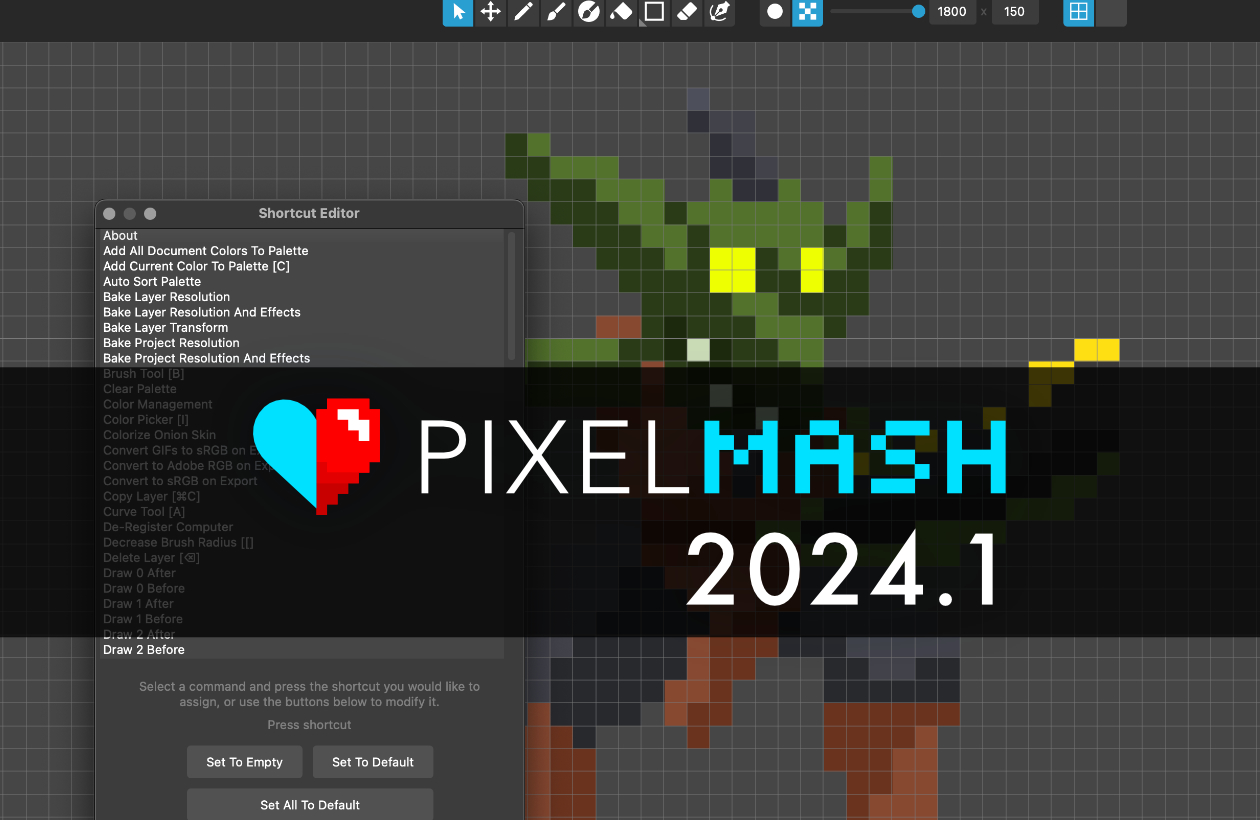
For this release, we’ve added a much-requested new feature for Pixelmash: the ability to edit keyboard shortcuts. To get started, go to Edit > Edit Keyboard Shortcuts… to open the editor. You can then select any command and press the shortcut you wish to assign. You can also clear shortcuts or reset them to default. We’ve also fixed an issue with pasting layer effects, and separated the Paste Layer Effects command into two commands which will let you specify whether to add the pasted effects to any effects already applied, or replace them.

WATCH THE VIDEO: youtu.be/v4oVHvWuv38
DOWNLOAD PIXELMASH 2024.1: nevercenter.com/pixelmash/download
BUY/UPGRADE: nevercenter.c...
Pixelmash 2024.0 Released with Powerful New Animation Timeline!
Pixel Art / November 16th, 2023


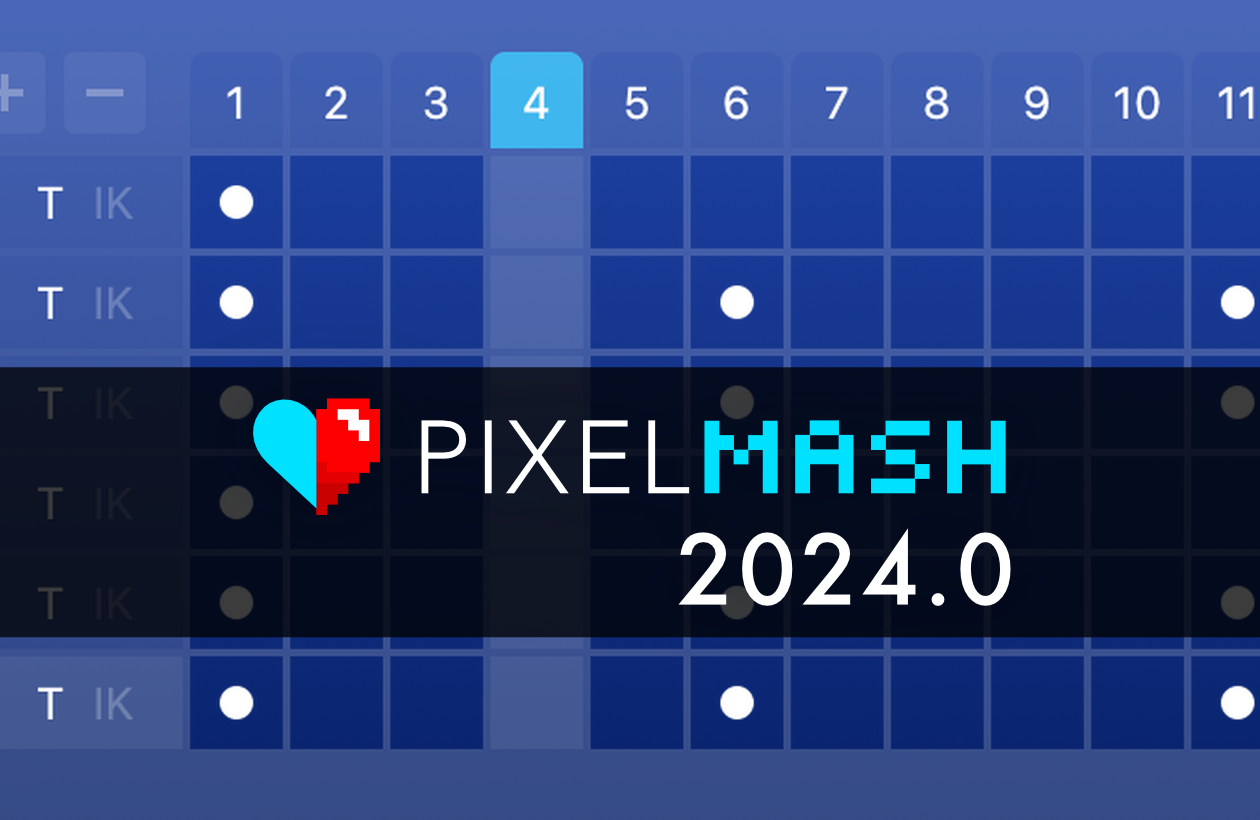
We’re excited to announce that Pixelmash 2024.0 has been released with a powerful new Animation Timeline feature, and is ready for you to download now!

Check out the release video to see how the new timeline works and grab the update below. This and all updates are free for everyone who purchased a Pixelmash license or upgrade in the past year, and users with older licenses can purchase a new year of continued upgrades at a discounted price at the link below!

WATCH THE VIDEO: youtu.be/_0NwJArilBQ
DOWNLOAD PIXELMASH 2024.0: nevercenter.com/pixelmash/download
BUY/UPGRADE: nevercenter.com/pixelmash

The new Animation Timeline has long been requested by users, and replaces the old hacked-in animation window that h...
Top
View this profile on Instagram

Nevercenter (@nevercenter.software) • Instagram photos and videos

Contact Us | About | Support | Sitemap
© Nevercenter 2003-2025